You can't raise alone. Now you don't have to.
Add team members with role-based permissions in seconds. Create a single source of truth for every deal—so your analyst team can work the deal while you're out selling.
4 role types • Per-deal permissions • Full activity logging
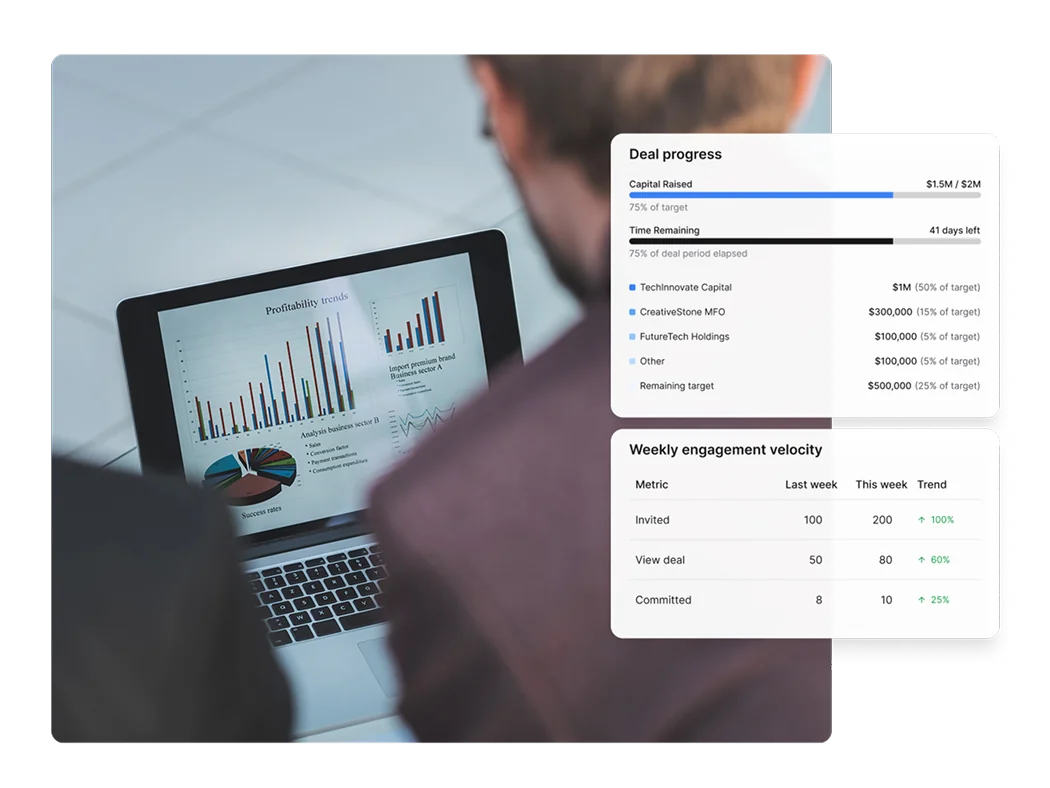
Simple, powerful workflow
Add team members
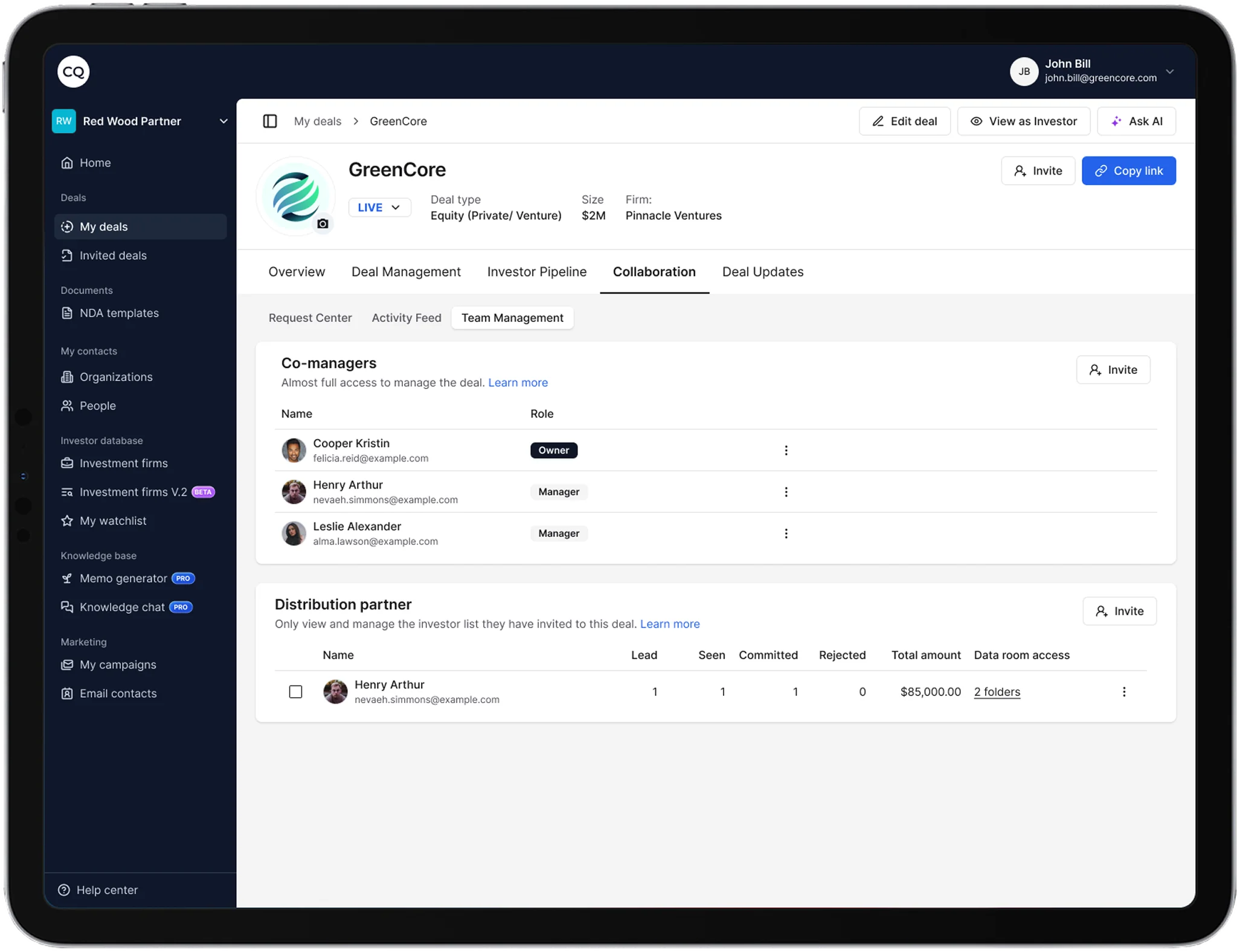
Invite people from your organization or external partners. If they have a CQ account, they're added immediately. If not, they receive an invitation.
Assign roles
Choose from Deal Owner, Deal Team, Co-Manager, or Distribution Partner. Each role has specific permissions for that deal.
Work together
Everyone operates from the same source of truth. Every action is logged so you know who did what and when.
Manage changes
Remove team members safely—assets transfer back to the deal owner. Adjust roles as needs change.
Role-based access control
Each role has specific permissions for viewing, editing, and managing deals
Team Collaboration connects to everything else
One workflow from LP discovery to signed commitment.