NDAs that unlock access automatically
Upload your NDA template, set the access level, and let investors sign directly on CQ. When they sign, access is granted automatically—no manual tracking, no forgotten follow-ups.
Two access levels • Auto-unlock on signature • Revoke anytime
Simple, powerful workflow
Upload your NDA template
Add your own NDA documents to the template library. Mark where investors need to sign. You can have multiple templates for different situations.
Choose your NDA level
Deal-level NDA masks the entire deal until signed—investors just see 'invited to a deal.' Data room-level NDA locks specific folders while showing basic deal info.
Configure approval settings
Choose automatic access on signature, or require manual approval before granting access. Stay in control of every NDA.
Share your deal
Investors see the NDA requirement and sign directly on CQ. Access unlocks automatically based on your settings.
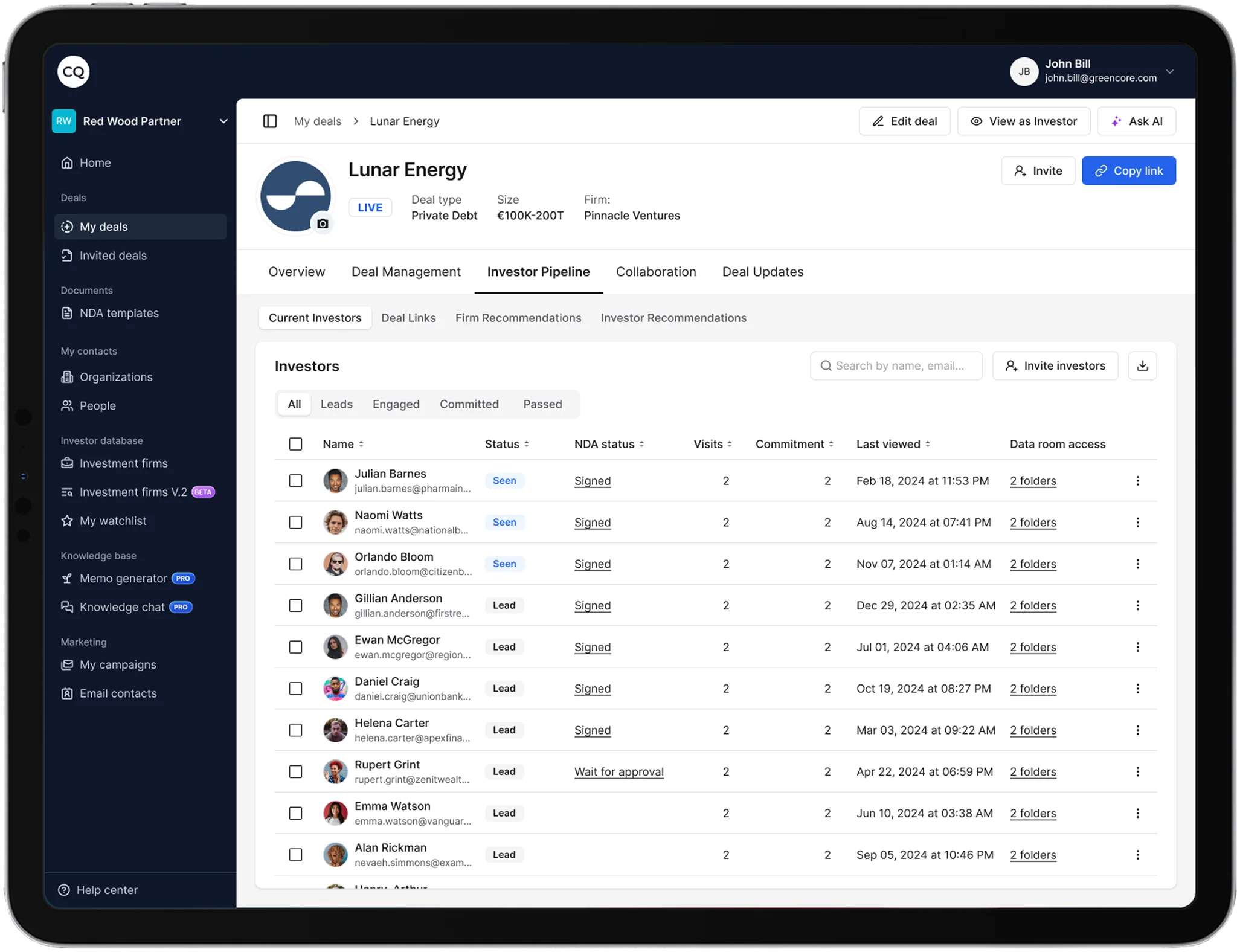
Track every signature in one place
See status at a glance—from sent to signed to access granted
NDA Signing connects to everything else
One workflow from LP discovery to signed commitment.